Ahnii!
Every blog post you share on LinkedIn or X gets a preview card. Without an og:image, the platform picks whatever it finds or shows nothing. This post covers how to generate branded OG images automatically from an HTML template using Playwright screenshots, so every post gets a consistent social card without opening a design tool. The full source is in the blog repo.
Prerequisites
- Node.js 18+
- Playwright (
npm install playwright) - gray-matter for frontmatter parsing (
npm install gray-matter) - A static site generator that uses frontmatter (this post uses Hugo, but the approach works with any SSG)
Design the HTML template
The OG image spec is 1200x630 pixels. Create an HTML file that renders at exactly that size:
<!DOCTYPE html>
<html>
<head>
<meta charset="utf-8">
<style>
  * { margin: 0; padding: 0; box-sizing: border-box; }
  body {
    width: 1200px;
    height: 630px;
    font-family: -apple-system, BlinkMacSystemFont, 'Segoe UI', Roboto, sans-serif;
    overflow: hidden;
  }
  .container {
    width: 1200px;
    height: 630px;
    background: linear-gradient(135deg, {{gradient}});
    display: flex;
    flex-direction: column;
    justify-content: center;
    padding: 60px 80px;
    position: relative;
    overflow: hidden;
  }
  .badge {
    display: inline-block;
    background: rgba(255,255,255,0.2);
    color: white;
    font-size: 14px;
    font-weight: 700;
    padding: 6px 14px;
    border-radius: 4px;
    text-transform: uppercase;
    letter-spacing: 1.5px;
    margin-bottom: 24px;
    width: fit-content;
  }
  .title {
    color: white;
    font-size: {{fontSize}}px;
    font-weight: 800;
    line-height: 1.2;
    max-width: 90%;
  }
  .author {
    color: rgba(255,255,255,0.7);
    font-size: 16px;
    margin-top: 24px;
  }
</style>
</head>
<body>
  <div class="container">
    <div class="badge">{{series}}</div>
    <div class="title">{{title}}</div>
    <div class="author">{{author}}</div>
  </div>
</body>
</html>
The template uses {{placeholder}} tokens that the script replaces at runtime. The gradient, font size, series badge, title, and author are all injected per post. You can add decorative elements like semi-transparent circles for visual interest without complicating the layout.
Map series to color gradients
Posts in a series should share a visual identity. A simple lookup object handles this:
const SERIES_MAP = {
  'waaseyaa':          { gradient: '#667eea, #764ba2',   label: 'Waaseyaa' },
  'php-fig-standards': { gradient: '#0f9b8e, #1a5276',   label: 'PHP-FIG Standards' },
  'codified-context':  { gradient: '#f093fb, #f5576c',   label: 'Codified Context' },
  'production-linux':  { gradient: '#e65100, #bf360c',   label: 'Production Linux' },
  '_default':          { gradient: '#2c3e50, #4ca1af',   label: 'Blog' },
};
Posts without a series get the _default gradient. The label appears in the badge above the title.
Scale the font size to the title length
Long titles need smaller text to avoid overflow. Three breakpoints cover most cases:
function getFontSize(title) {
  if (title.length < 40) return 64;
  if (title.length <= 80) return 48;
  return 36;
}
Short punchy titles get 64px. Medium titles drop to 48px. Anything over 80 characters gets 36px, which still reads well at the 1200px card width.
Walk the content directory for post metadata
The script needs each post’s slug, title, and series. Walk the content directory and parse frontmatter with gray-matter:
const matter = require('gray-matter');

function findPosts() {
  const postsDir = path.join(__dirname, '..', 'content', 'posts');
  const posts = [];

  function walk(dir) {
    for (const entry of fs.readdirSync(dir, { withFileTypes: true })) {
      const full = path.join(dir, entry.name);
      if (entry.isDirectory()) {
        walk(full);
      } else if (entry.name === 'index.md') {
        const raw = fs.readFileSync(full, 'utf-8');
        const { data } = matter(raw);
        if (data.slug && data.title) {
          const cleanSlug = data.slug.replace(/[\u2018\u2019\u201C\u201D]/g, '');
          posts.push({
            slug: cleanSlug,
            title: data.title,
            series: data.series || [],
          });
        }
      }
    }
  }

  walk(postsDir);
  return posts;
}
The replace on line 12 strips curly quotes from slugs. YAML parsers sometimes convert straight quotes to smart quotes, and those characters in a filename cause the image to silently not match the post.
Screenshot each post with Playwright
Launch a headless browser, set the viewport to 1200x630, inject each post’s values into the template, and screenshot:
const { chromium } = require('playwright');
const browser = await chromium.launch();
const page = await browser.newPage();
await page.setViewportSize({ width: 1200, height: 630 });
for (const post of posts) {
const info = getSeriesInfo(post.series);
const fontSize = getFontSize(post.title);
const html = template
.replace(/\{\{gradient\}\}/g, info.gradient)
.replace(/\{\{series\}\}/g, info.label)
.replace(/\{\{title\}\}/g, post.title.replace(/&/g, '&').replace(/</g, '<'))
.replace(/\{\{fontSize\}\}/g, String(fontSize))
.replace(/\{\{author\}\}/g, 'Russell Jones');
await page.setContent(html, { waitUntil: 'load' });
await page.screenshot({ path: `static/images/og/${post.slug}.png`, type: 'png' });
}
await browser.close();
The setContent + screenshot pattern avoids the overhead of navigating to a URL. Playwright renders the HTML string directly. Each image takes under 100ms, so even a blog with 100+ posts finishes in seconds.
Note the HTML escaping on the title: & and < would break the template markup if injected raw.
Cache images with a template hash
Regenerating every image on every run wastes time. Hash the template file and compare against the last run:
const crypto = require('crypto');

const templateHash = crypto.createHash('sha256').update(template).digest('hex');
const HASH_FILE = path.join(OUTPUT_DIR, '.og-template-hash');

let regenerateAll = force;
if (!force && fs.existsSync(HASH_FILE)) {
  const oldHash = fs.readFileSync(HASH_FILE, 'utf-8').trim();
  if (oldHash !== templateHash) {
    console.log('Template changed — regenerating all images');
    regenerateAll = true;
  }
}

const toGenerate = regenerateAll
  ? posts
  : posts.filter(p => !fs.existsSync(path.join(OUTPUT_DIR, `${p.slug}.png`)));

// After generation:
fs.writeFileSync(HASH_FILE, templateHash);
If the template hasn’t changed, only posts without an existing image get generated. Change the template and every image rebuilds. A --force flag overrides the cache for manual regeneration.
Wire it into your build
Add a task that runs the script before your static site build:
# Taskfile.yml
tasks:
  og:generate:
    desc: Generate OG images for all posts
    cmds:
      - node scripts/generate-og-images.js

  og:force:
    desc: Force-regenerate all OG images
    cmds:
      - node scripts/generate-og-images.js --force
Hugo auto-detects OG images by convention when they’re at static/images/og/{slug}.png. Your hugo.toml or theme template just needs to reference that path in the og:image meta tag.
What the generated images look like
Here are three examples from this blog showing different series gradients and font sizes in action.
A standalone post gets the default slate-to-cyan gradient:

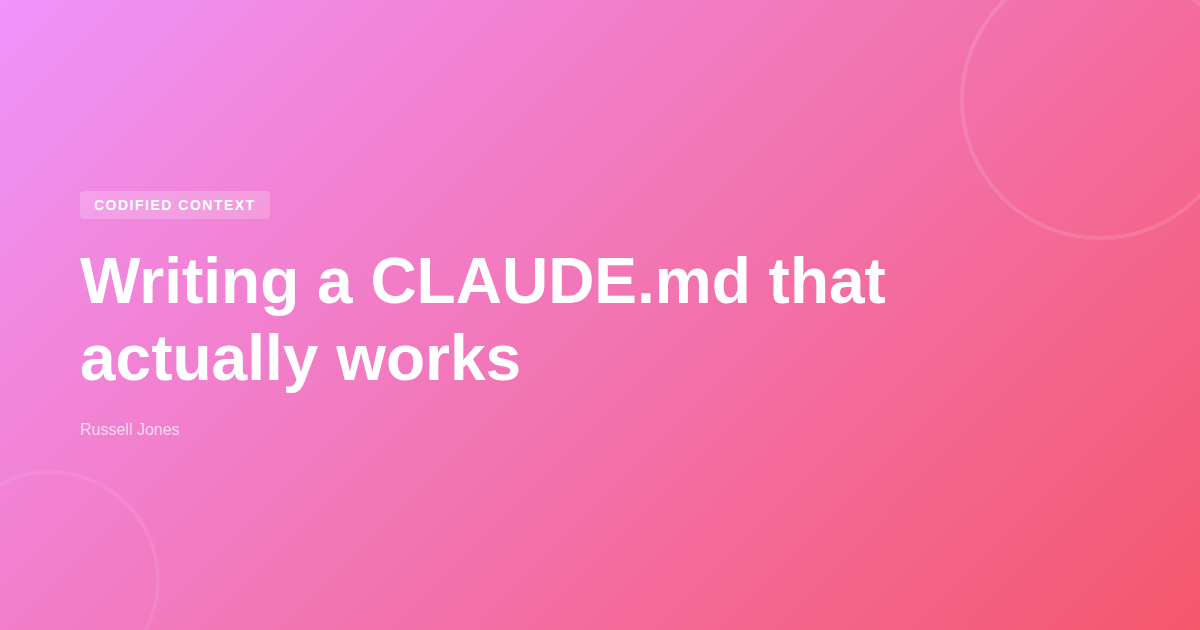
A post in the Codified Context series gets the pink gradient with the series badge:
And a PHP-FIG Standards post gets the teal-to-blue gradient:
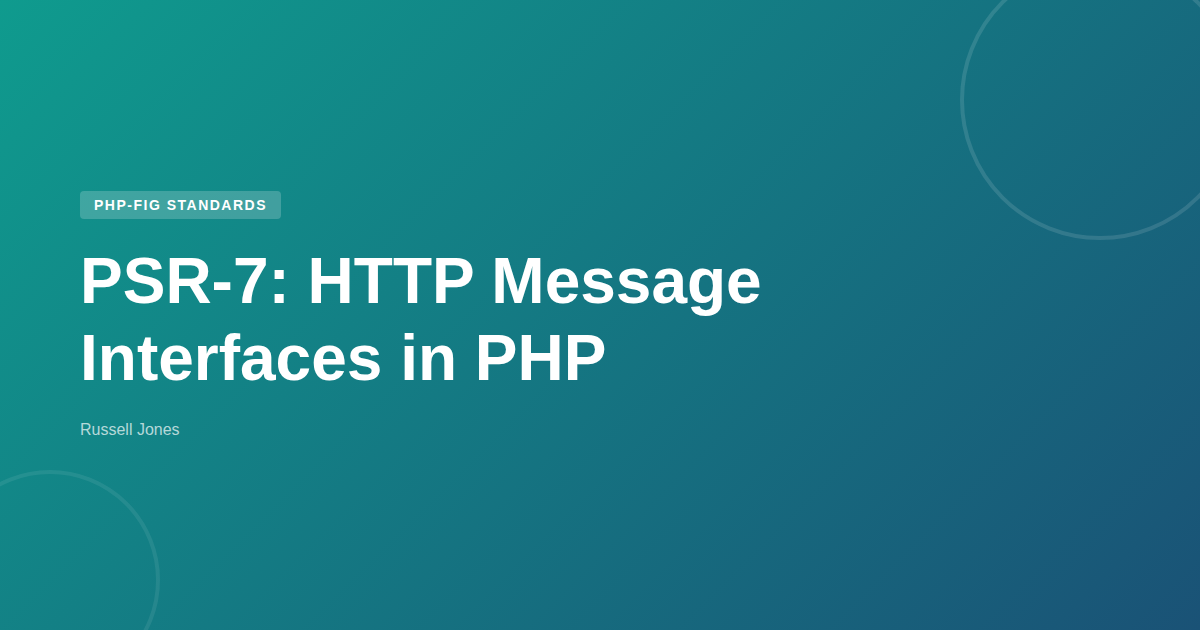
Every image is 1200x630, uses the same layout, and the font size scales automatically based on title length. The series badge and gradient are the only things that change between posts in a series, which gives each series a consistent visual identity on social feeds.
You can see the full implementation in the blog repo: generate-og-images.js and og-template.html.
Baamaapii